Create the work order, assign the tech, attach archive photos and notation.
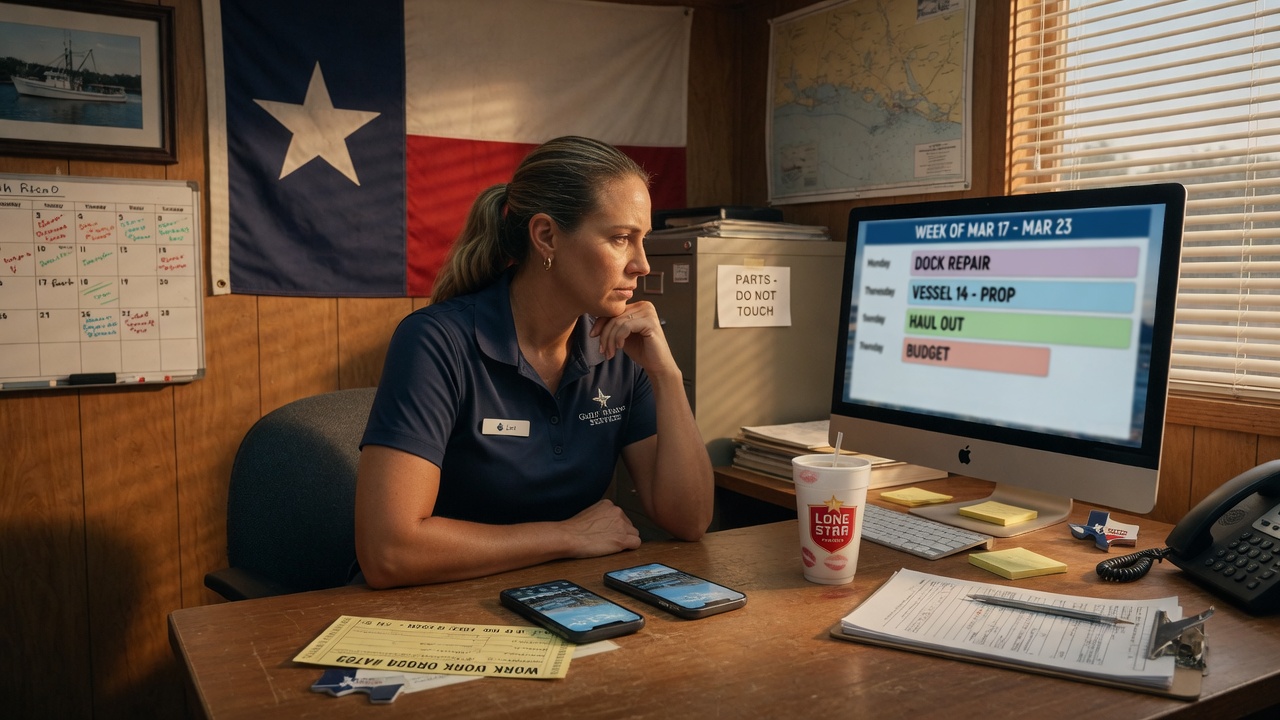
Enterprise hub · Texas-built
The yard office.
The phones that work it.
MarineServiceTech is a web hub of operations for the firm, and a phone app for every tech on a slip, a pad, or a contractor’s truck. Management writes the work order. The office transmits it to the technician. Complete history stays on the hub.
Web hub of operations
Distributed phones
Transmit the work order
History on the hub
How a yard actually runs
Management writes the Work Order.
Technicians with phones perform work while carrying.
Complete History of work order on office hub.
Managers live in the browser. Techs live on MarineServiceTech. The office transmits the work order to the person on the roster who will do the work.
Transmit the work order to a designated person on the roster.
iPhone opens MarineServiceTech. Photos, Spanish dictation that stores English notes, diagnostics, hours — on that ticket.
The technician transmits the work order back. The issuing firm receives it. Nothing is overwritten.
Complete history stays on the hub. PDF for the counter. Spreadsheet for the bookkeeper.
Why the iPhone in the tech’s hand
Same idea as the tablet at the airport rental return.
Rent a car, bring it back to the airport. The person at the return stand is not guessing. They have a tablet. They walk the car, they photograph what they see, and that file is the record. Scratches, curb rash, a missing floor mat — it is on the device before you leave the lot. That is how rental companies stop arguing about “it was already like that,” and why those tablets save them real money.
A boat yard lives the same argument, only the asset is a fifty-foot Bertram and the “lot” is a slip, a pad, or a contractor’s truck.
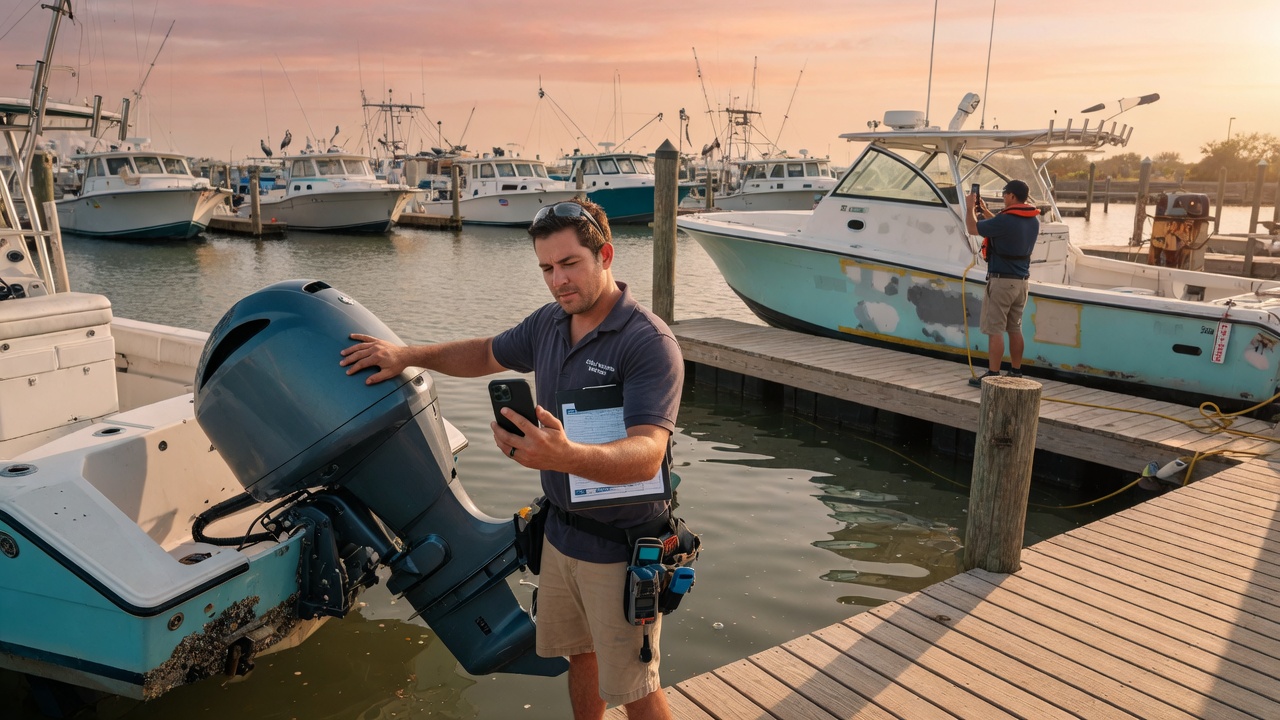
In a similar way, technicians who have their phone with MarineServiceTech are that return stand, out on the water.
Management writes the work order. The tech opens MarineServiceTech on the iPhone. They are standing at the boat, not back at a desk trying to remember. As-found photos go on the work order. Diagnostic trees walk the system — cabin A/C, zincs, fuel, raw-water strainer, standing rig. Progress shots go on the same ticket. Notation stays with the boat. When they transmit the work order back, it hits the yard that issued it. Nothing is overwritten.
That is the tablet at the airport, translated for a Texas yard:
- The device is in the hand that is doing the work, not in an office that will hear about it later.
- Photographs are the evidence. Hull, running gear, a packed A/C basket, a wasted zinc — timestamped on the ticket, not in a text thread that vanishes.
- The record belongs to the firm. One work order. Photos on the boat. The customer, the insurer, and the next tech all see the same file.
- Abuse and neglect show up as pictures, not as a story. “The strainer was full of crabs when we opened it.” “The anode was gone at haul.” That is how a yard stops eating damage that happened before they touched the boat.
MarineServiceTech is not a rental-car AI that flags a dent by itself. It is the same process: an intelligent device, used at the asset, that makes condition undeniable and keeps the money that used to walk off the dock.
Built in Texas. The ticket survives the dock.
Two surfaces, one firm
The hub, and the distributed clients.
Web hub of operations
The yard office
Browser, any desk. Brand the firm. Run the week. Keep the mothership.
- Customers, vessels, tickets, media store
- Week board and queue — who, what, where, when
- Transmit work order to a designated person on the roster
- Pull latest photos and notation back onto the ticket
Distributed clients
The phones
Employees, contractors, a second yard — each with MarineServiceTech on iPhone.
- Receive the transmitted work order, or pull the live ticket from the office
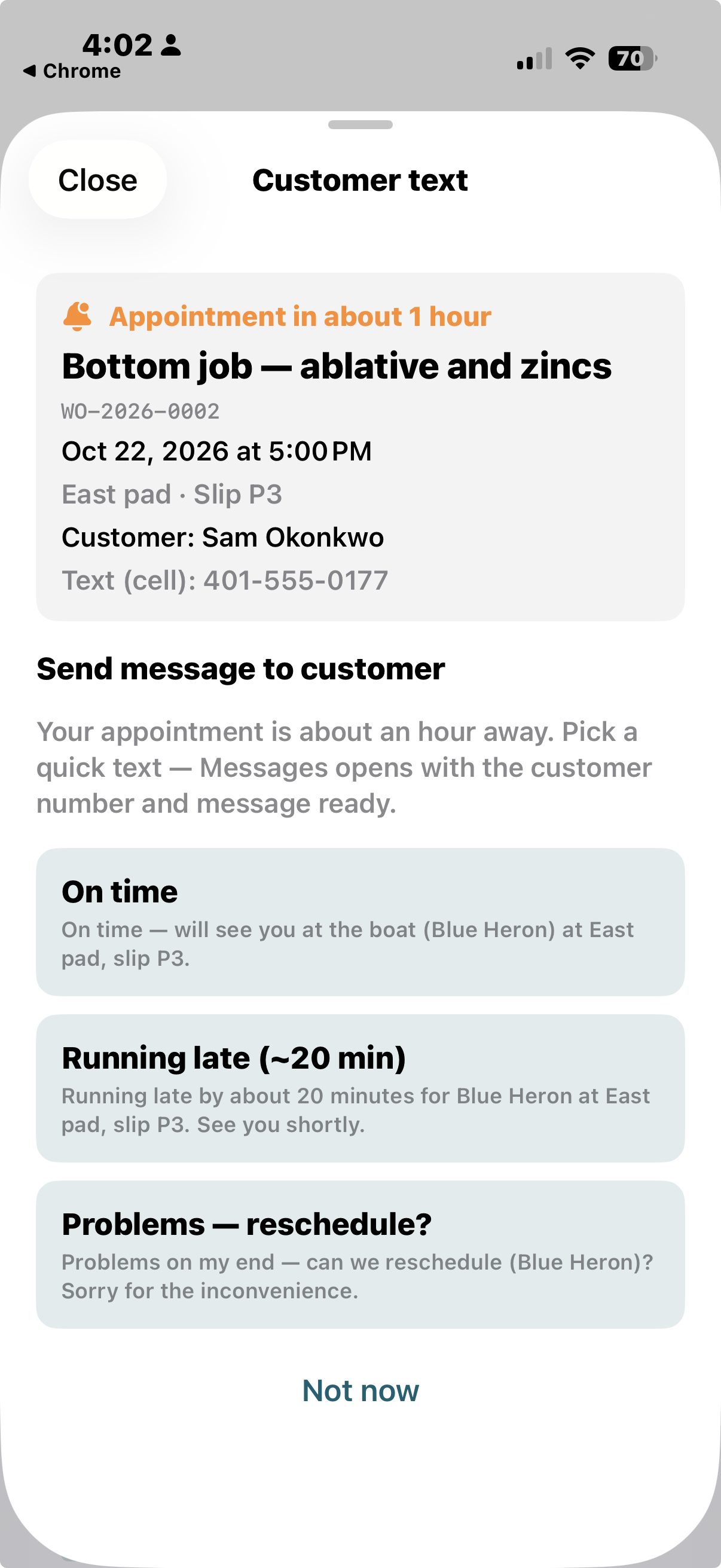
- One hour before: On time, running late, or reschedule — Messages opens with the text written
- I’m here, photos with notation, dictation, leaving
- Winterize, splash, survey, estimate, emergency — types a yard books
- Diagnostic trees and a letterhead PDF with HIN
- Origin is write-once: the return goes to the issuing firm
Proof on the wire
The same work order the office already transmits.
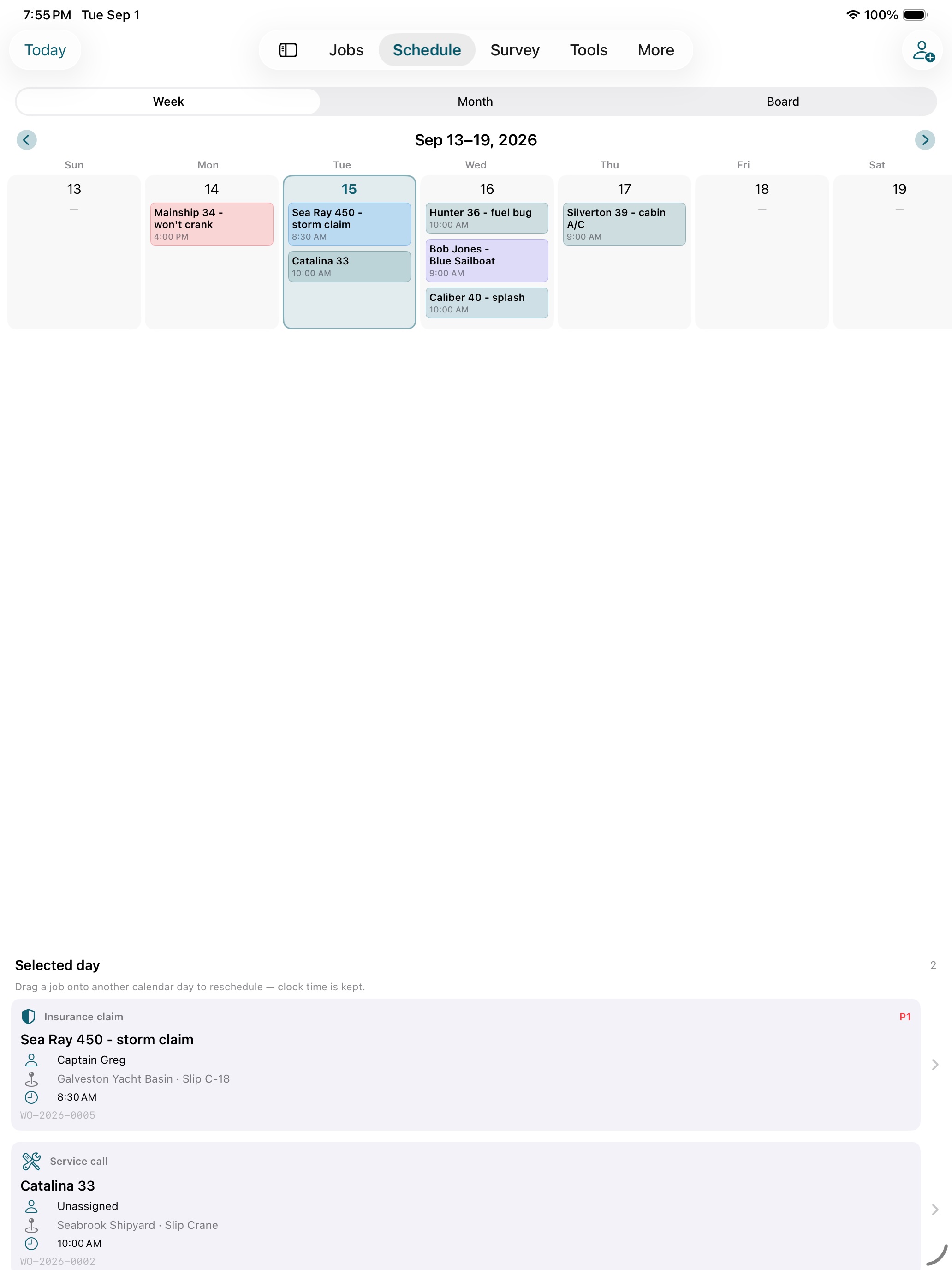
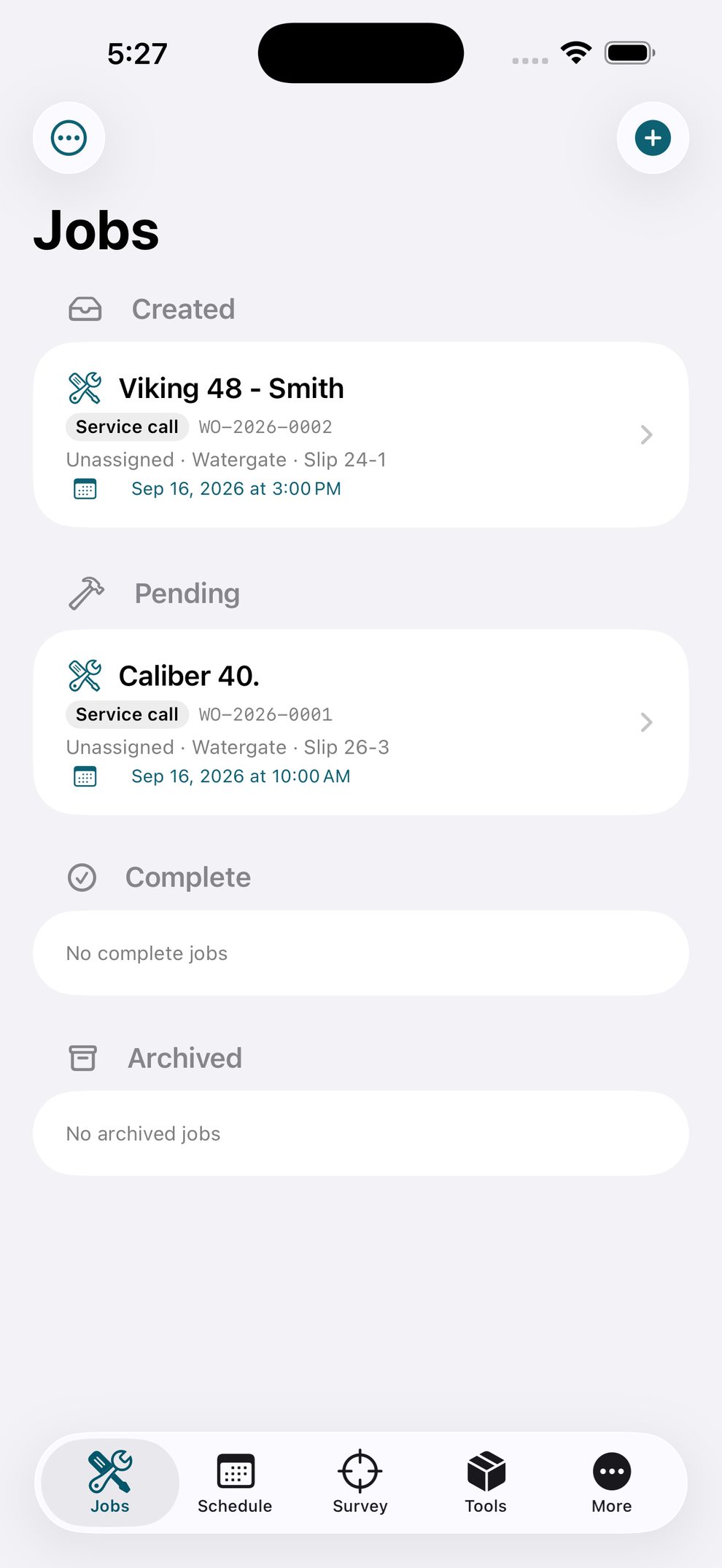
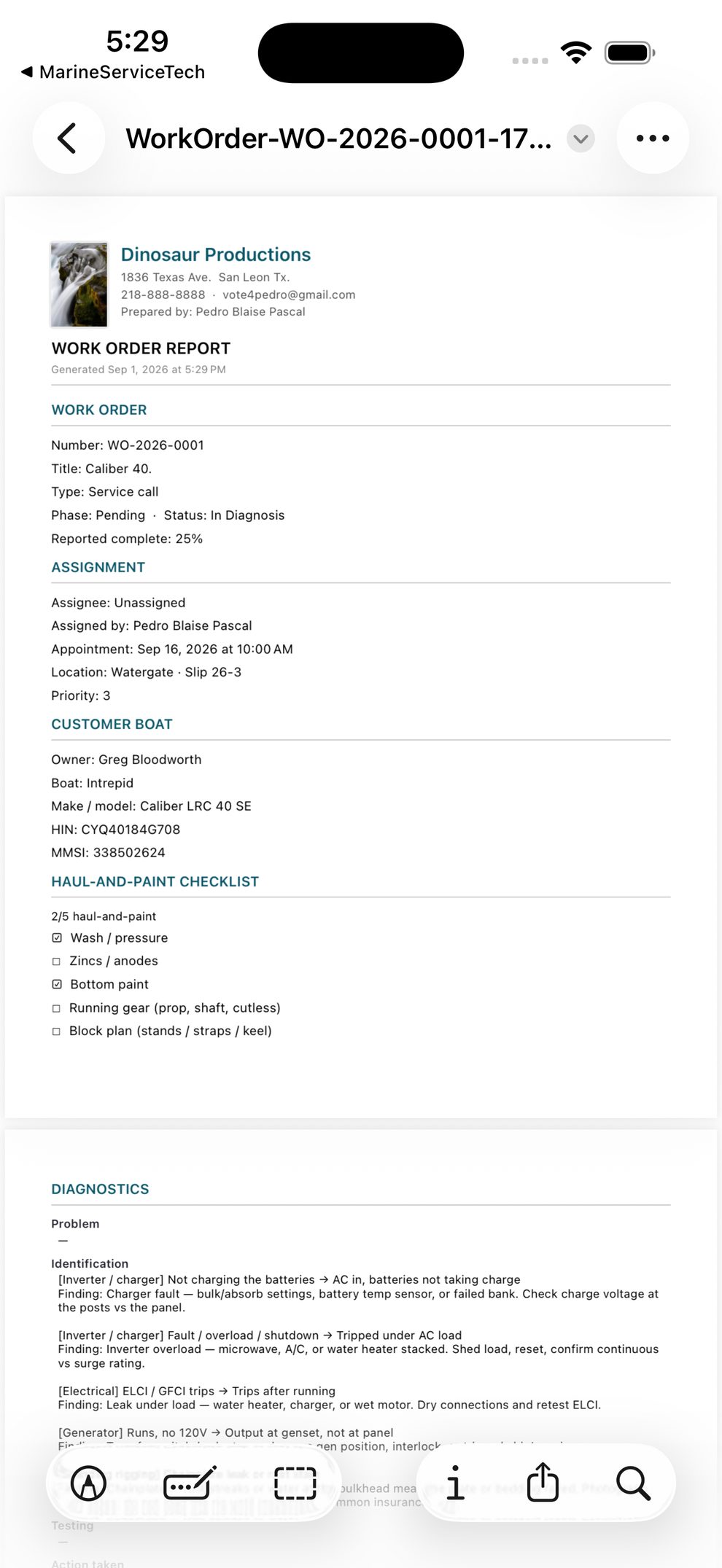
The office transmits the work order to a designated person on the roster.
The technician performs the work on that work order — photos, notes, hours — while it is on the phone.
Each return appends. Complete history of the work order stays on the office hub.
Platforms
Where MarineServiceTech runs.
Office web
iPhone
iPad
Mac
Who it’s for
Yards, marina service shops, and mobile marine crews that need one desk and many phones — not an ERP costume. Managers run the hub in the browser. Techs work the ticket on MarineServiceTech.
Office (web hub)
- Sign in, or create a firm, at the yard office — sample yard or your own
- Customers, vessels, tickets, photo archive with per-file notation
- Transmit the work order to a designated person on the roster
Field (phones)
- Receive the transmitted work order, or pull it from the yard after the office enrolls the phone
- Documentation gates, diagnostic trees, haul-and-paint checklist, surveys
- First 12 work orders free per device; subscription unlocks unlimited creates
Office host
The yard office host is billed to the firm. Setup is extra. A support contract is optional and is not included in the monthly rate. Dedicated hosting is available. All office sign-in uses two-factor authentication. Prefer Google Authenticator (scan a QR once, then a rotating code). An emailed six-digit code is also available.
Paid by Stripe ACH or card. We never take bank numbers on this site.
Start
See the hub. Then put phones on it.
Sign in to the sample yard, or create your own firm from the login page. No demo password on this site.